Skip to content

Café management softwareRun your café.
Better.

Orders, menus, billing, customers and insights — one beautifully simple system for modern cafés.

  • GST-ready invoices
  • QR ordering, no app
  • Runs in your browser

The problem

Running a café shouldn’t mean running five different tools.

Order pads, a menu PDF, a separate billing app, a notebook of regulars and a sales spreadsheet. None of them talk to each other — so your team copies the same order again and again.

  1. Scattered toolsRe-typed, re-checked, forgotten
  2. OrdraEvery order entered once
  3. One connected systemMenu → kitchen → bill → insights

One platform

Everything your café runs on. Connected.

Each part of Ordra works on its own — and shares what it knows with the rest. Invoices, customer records and reports are always built from real orders.

Harbor Roast

Today, in one place

Live
  1. 01Orders placed124
  2. 02Invoices issued118
  3. 03Customers recognised86
  4. 04Insights updatedToday

One order flows from the table to the kitchen, onto the invoice and into your reports — entered once.

Orders & kitchen

Every order, organized.

Table orders land on one live board the moment a guest places them. The kitchen moves them along; everyone sees the change.

  • Every order tagged with its table
  • New, accepted, preparing and ready — updated live
  • Kitchen notes and waiting time on each ticket
Explore the kitchen board

Digital menu

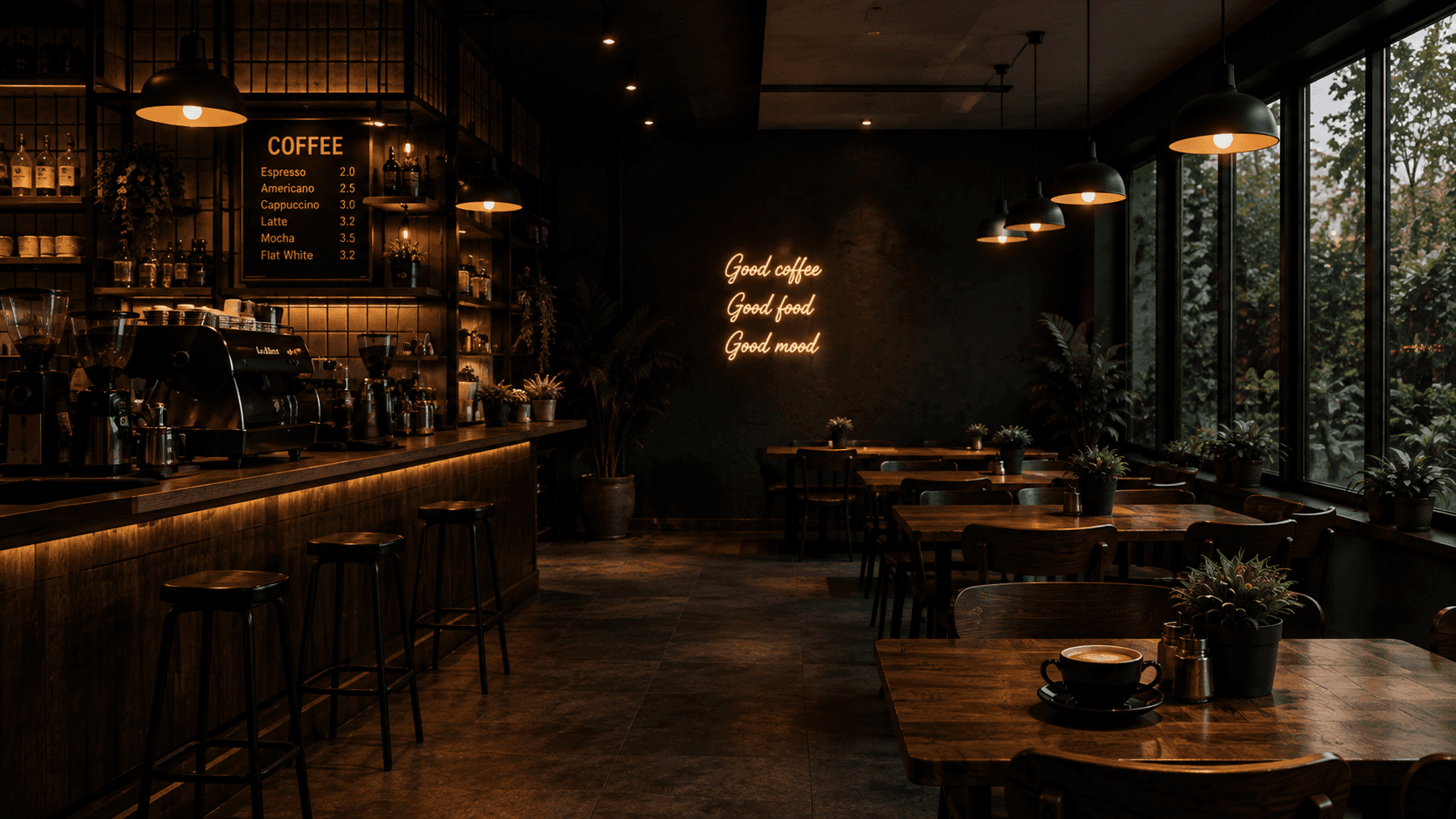
Categories, photos, prices and veg labels on a QR menu guests open at their table. Mark something sold out and it updates on every phone.

How the digital menu works
Café billing

GST invoices,
ready when the order is.

Each completed order becomes an invoice with your GSTIN and CGST + SGST or IGST applied. Download a PDF or share a secure link.

GST billing for cafés

Customer 360

Know your regulars.

Every guest’s visits, spend, average order and favourite items — built automatically from their orders and grouped into segments like new, regular and inactive.

  • Recognise returning guests from their orders
  • Segments: new, returning, regular, high-value, inactive
  • Transactional and marketing consent recorded separately
Customer management

Café analytics

See what’s really selling.

Revenue, orders, average order value, top items and your busiest hours — calculated from completed orders only.

AI business insights

Your numbers, explained.

A plain-English summary of what changed and what’s working, from aggregated sales data. Ordra suggests; you decide.

Customer engagement

Turn one-time visitors into regulars.

Share invoices on WhatsApp, follow up one-to-one and send offers to the guests most likely to come back — only to customers who’ve given consent.

Offers and follow-ups

How it works

Up and running in three steps.

  1. 01

    Set up your café

    Add or import your menu, your tables and your GST details. Print a QR code for every table.

  2. 02

    Run your day

    Guests order from their table, the kitchen works from a live board and bills are ready as orders complete.

  3. 03

    Understand and grow

    Sales, customer and AI insights build up from real orders — so you know what to change next.

Plans

A plan for every stage of your café.

Start where you are and grow into more locations, staff and insights.

  • For trying Ordra in one café

    Free

    Core ordering and kitchen tools.

    3
    Staff
    1
    Café
    150
    Orders / mo
    • Digital menu & QR table ordering
    • Live kitchen board
    • GST invoices
    • Sales analytics
    Start with Ordra
  • For busy single cafés

    Starter

    Marketing campaigns and room to grow your team.

    10
    Staff
    2
    Cafés
    1,500
    Orders / mo
    • Everything in Free
    • Customer campaigns & offers
    • WhatsApp follow-ups, with consent
    • Up to 2 locations
    Start with Ordra
  • For growing and multi-location cafés

    Pro

    AI insights, higher limits and multi-location headroom.

    50
    Staff
    10
    Cafés
    10,000
    Orders / mo
    • Everything in Starter
    • AI business insights
    • Up to 10 locations
    • Higher order and staff limits
    Start with Ordra
How activation works: sign up with Google and register your café. Our team reviews every registration, confirms your membership and plan with you, then activates your dashboard.

Cafés run better

Your café deserves better tools.

Bring orders, billing, customers and insights together with Ordra.